

更多>
最新下载

jQuery点击文字滚动Scrollocue插件
jQuery点击文字滚动Scrollocue插件是一款用于构建一个简单的提示提词器系统的jQuery小插件。本作品由【站长素材】收集整理,转载请注明出处!
2
2025-12-19




24小时阅读排行榜
- 1 mysql慢查询日志是什么_mysql性能问题定位方法
- 2 javascript函数式编程是什么_纯函数和副作用有何关联
- 3 页面头部底部固定中间滚动怎么办_通过flex column布局实现
- 4 javascript如何处理错误_try catch能捕获所有异常吗
- 5 Golang如何优化Docker Compose多容器启动_Golang Docker Compose启动优化实践
- 6 javascript this关键字指向谁_如何在不同场景下确定它的值?
- 7 html如何左对齐图片_HTML实现图片左对齐布局【左对齐】
- 8 Linux磁盘IO抖动怎么分析_iowait指标排查思路【教程】
- 9 Python自动识别日志中的隐含错误模式并输出分析报告的脚本设计【指导】
- 10 javascript中代理和反射是什么_它们如何拦截对象操作?
- 11 javascript如何实现状态管理_框架外的方案有哪些
- 12 条形码扫描如何触发php代码执行_条形码扫描触发php代码执行方法【步骤】
- 13 如何在mysql中设置最大并发连接_mysql并发连接优化
- 14 PHP怎么接收XML非标准标签数据_PHP接收XML非标准标签数据的实现【技巧】
- 15 JavaScript中如何实现栈和队列_数组实现方式
更多>
最新教程

-
- Node.js 教程
- 14211 2025-08-28
-
- CSS3 教程
- 1540928 2025-08-27
-
- Rust 教程
- 21918 2025-08-27
-
- Vue 教程
- 24410 2025-08-22
-
- PostgreSQL 教程
- 21120 2025-08-21
-
- Git 教程
- 8324 2025-08-21
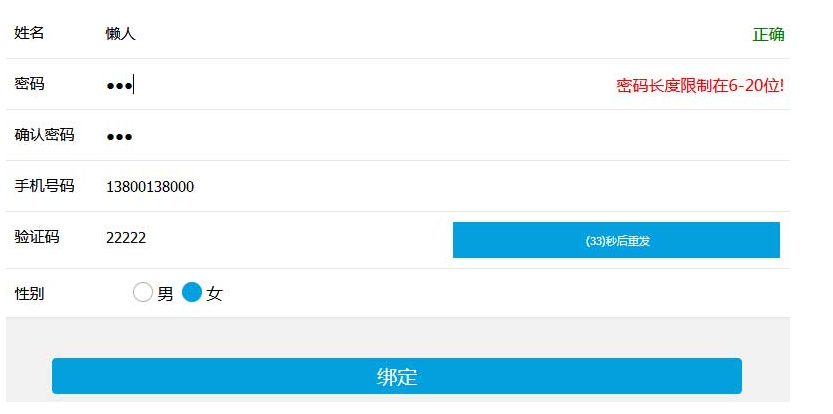
手机端的注册表单验证js代码


js代码
<script type="text/javascript">
	function checkreg() {
		var myreg = /^(((13[0-9]{1})|(15[0-9]{1})|(18[0-9]{1})|(17[0-9]{1}))+\d{8})$/;
		if(document.form1.name.value == "") {
			//alert("请输入您的用户名!");
			document.getElementById("tish").innerHTML = "<font color='red'>请输入您的用户名!</font>";
			form1.name.focus();
			return false;
		}
		document.getElementById("tish").innerHTML = "<font color='green'>正确</font>";
		//          if (document.form1.User.value.length<4 || document.form1.User.value.length>15)
		// {
		//  alert("用户名长度限制在4-15位!");
		//  form1.User.focus();
		//  return false;
		// }
		if(document.form1.password.value == "") {
			//alert("请输入密码!");
			document.getElementById("ts").innerHTML = "<font color='red'>请输入密码</font>";
			form1.password.focus();
			return false;
		}
		if(document.form1.password.value.length < 6 || document.form1.password.value.length > 20) {
			//alert("密码长度限制在6-20位!");
			document.getElementById("ts").innerHTML = "<font color='red'>密码长度限制在6-20位!</font>";
			form1.password.focus();
			return false;
		}
		document.getElementById("ts").innerHTML = "<font color='green'>正确</font>";
		if(document.form1.password.value != document.form1.Pwdagain.value) {
			document.getElementById("tishi").innerHTML = "<font color='red'>两次密码不相同</font>";
			form1.password.focus();
			return false;
		}
		document.getElementById("tishi").innerHTML = "<font color='green'>正确</font>";
		//   alert("注册成功!");
		// location.href="http://www.lanrenzhijia.com";

		if(!myreg.test(document.form1.phone.value)) {
			document.getElementById("tss").innerHTML = "<font color='red'>手机号码错误</font>";
			form1.password.focus();
			return false;
		}
		document.getElementById("tss").innerHTML = "<font color='green'>正确</font>";
		if(document.form1.code.value == "") {

			 document.getElementById("tsi").innerHTML = "<font color='red'>验证码不能为空</font>";
			form1.code.focus();
			return false;
		}
		document.getElementById("tsi").innerHTML = "<font color='green'>正确</font>";
		location.href="homepage.html";
	}

	function sendMessage(t) {
		var myreg = /^(((13[0-9]{1})|(15[0-9]{1})|(18[0-9]{1})|(17[0-9]{1}))+\d{8})$/;
		if(!myreg.test(document.form1.phone.value))
		{
		 alert('请输入有效的手机号码!');
		  return false;
		  } //
		document.form1.dynamic.disabled = true;
		for(i = 1; i <= t; i++) {
			window.setTimeout("update_p(" + i + "," + t + ")", i * 1000);
		}

	}

	function update_p(num, t) {
		if(num == t) {
			document.form1.dynamic.value = " 重新发送 ";
			document.form1.dynamic.disabled = false;
		}
		else {
			printnr = t - num;
			document.form1.dynamic.value = " (" + printnr + ")秒后重发";
		}
	}
</script>
本站所有资源都是由网友投搞发布,或转载各大下载站,请自行检测软件的完整性!本站所有资源仅供学习与参考,请勿用于商业用途,否则产生的一切后果将由您自己承担!如有侵权请联系我们删除下架,联系方式:admin@php.cn
相关推荐
js-实现原生表单提交验证
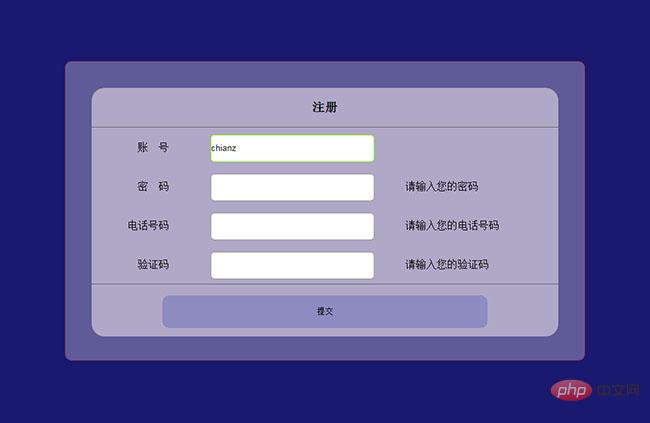
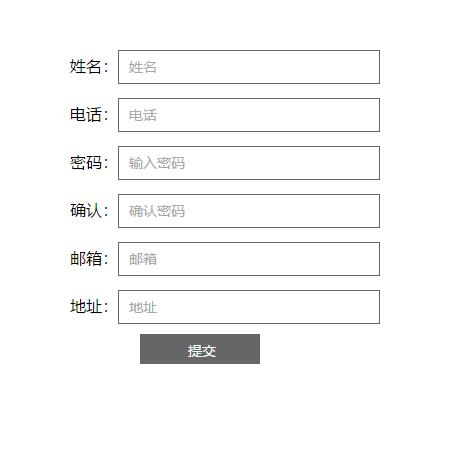
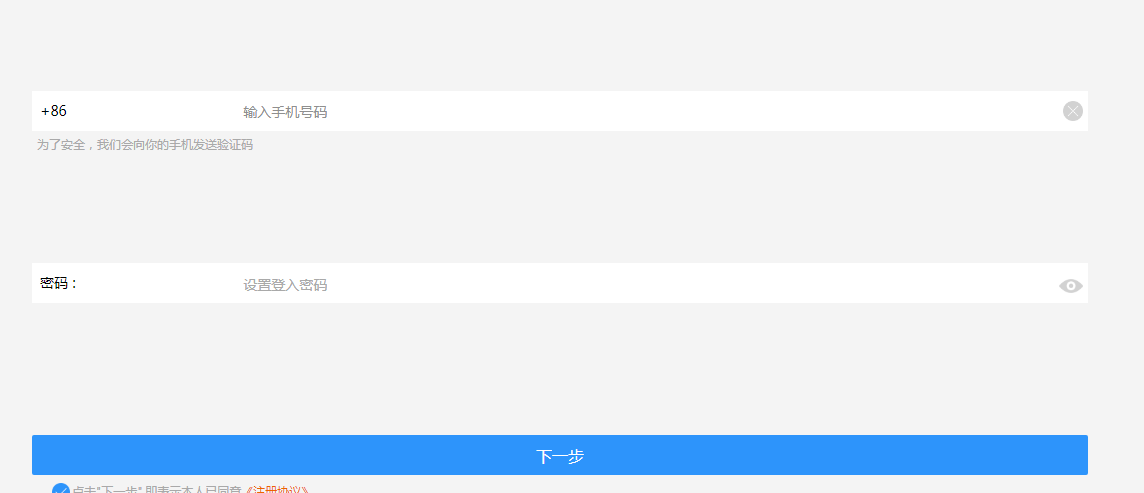
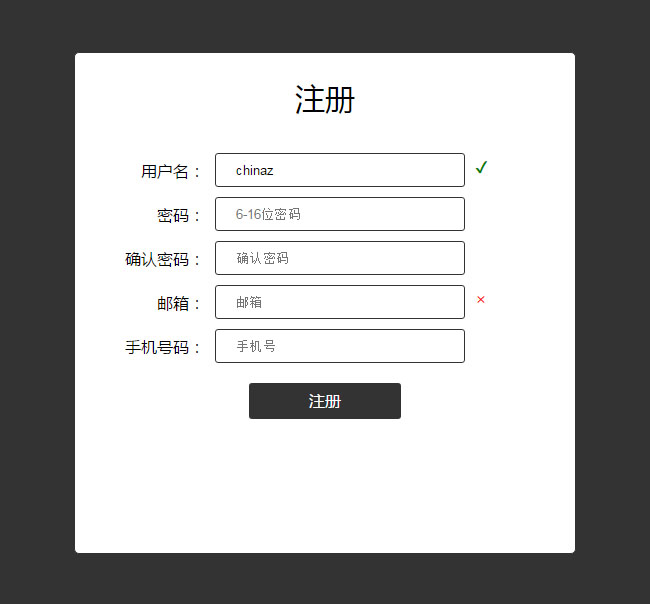
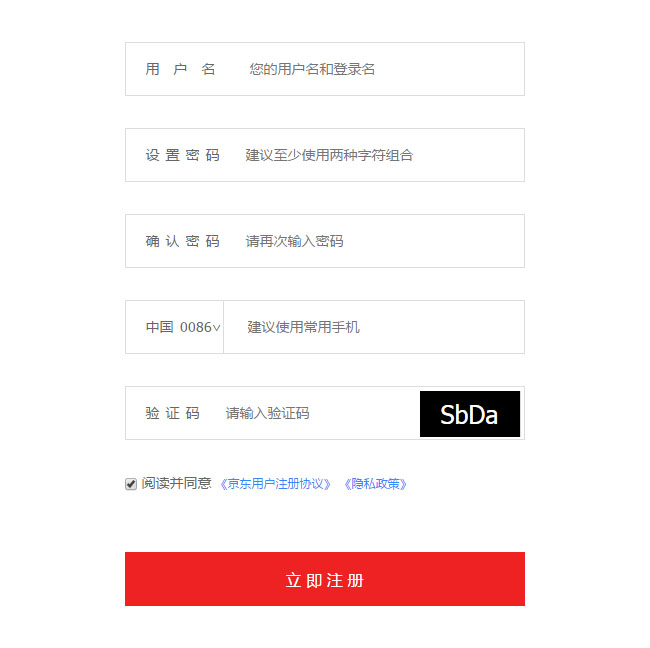
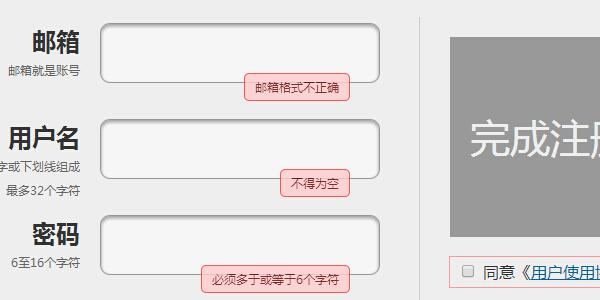
原生js表单提交验证代码下载。原生JavaScript实现,适合新手学习js。用户填写完成后,点击提交按钮,判断填写的信息是否符合要求,如不符合将弹出相应的修改信息要求,引导用户正确填写表单。
表单按钮
2018-10-27


热门下载




canvas音谱可视化mp3音乐播放器代码
html5 canvas通过AudioContext对获取audio标签播放的音域和音高,调用js绘制相应高度的矩形或线条。
播放器特效
2021-03-10






