



这篇文章主要给大家介绍了关于利用vs code如何开发你的第一个angularjs 2应用程序的相关资料,文中通过示例代码介绍的非常详细,对大家的学习或者工作具有一定的参考学习价值,需要的朋友下面来一起看看吧。
前言
之前已经给大家介绍了Angular2开发环境搭建教程之VS Code,本文将详细介绍利用VS Code如何开发AngularJS2应用程序的相关内容,分享出来供大家参考学习,下面话不多说了,来一起看看详细的介绍吧。
运行环境:
1、Windows 10
2、Node 6.7.0
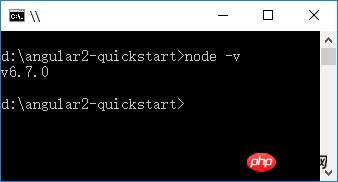
3、npm 3.10.8
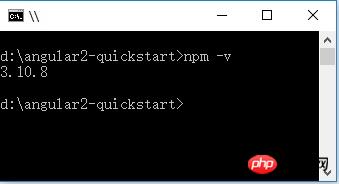
4、TypeScript 2.0.3
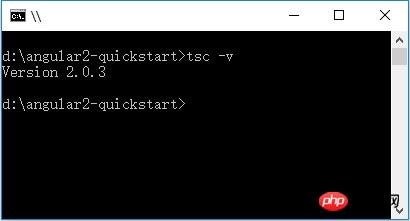
创建项目
1、创建文件夹:angular2-quickstart,启动VS Code,打开刚创建的文件夹:angular2-quickstart。
2、在根文件夹(angular2-quickstart)下,创建package.json文件:
{
 "name": "angular-quickstart",
 "version": "1.0.0",
 "scripts": {
 "start": "tsc && concurrently \"tsc -w\" \"lite-server\" ",
 "lite": "lite-server",
 "postinstall": "typings install",
 "tsc": "tsc",
 "tsc:w": "tsc -w",
 "typings": "typings"
 },
 "license": "ISC",
 "dependencies": {
 "@angular/common": "~2.0.2",
 "@angular/compiler": "~2.0.2",
 "@angular/core": "~2.0.2",
 "@angular/forms": "~2.0.2",
 "@angular/http": "~2.0.2",
 "@angular/platform-browser": "~2.0.2",
 "@angular/platform-browser-dynamic": "~2.0.2",
 "@angular/router": "~3.0.2",
 "@angular/upgrade": "~2.0.2",
 "angular-in-memory-web-api": "~0.1.5",
 "bootstrap": "^3.3.7",
 "core-js": "^2.4.1",
 "reflect-metadata": "^0.1.8",
 "rxjs": "5.0.0-beta.12",
 "systemjs": "0.19.39",
 "zone.js": "^0.6.25"
 },
 "devDependencies": {
 "concurrently": "^3.1.0",
 "lite-server": "^2.2.2",
 "typescript": "^2.0.3",
 "typings": "^1.4.0"
 }
}
3、在根文件夹(angular2-quickstart)下,创建tsconfig.json文件:
{
 "compilerOptions": {
 "target": "es5",
 "module": "commonjs",
 "moduleResolution": "node",
 "sourceMap": true,
 "emitDecoratorMetadata": true,
 "experimentalDecorators": true,
 "removeComments": false,
 "noImplicitAny": false
 }
}
4、在根文件夹(angular2-quickstart)下,创建typings.json文件:
{
 "globalDependencies": {
 "core-js": "registry:dt/core-js#0.0.0+20160725163759",
 "jasmine": "registry:dt/jasmine#2.2.0+20160621224255",
 "node": "registry:dt/node#6.0.0+20160909174046"
 }
}
5、在根文件夹(angular2-quickstart)下,创建systemjs.config.js(JavaScript脚本)文件:
/**
 * System configuration for Angular samples
 * Adjust as necessary for your application needs.
 */
(function(global) {
 System.config({
 paths: {
  // paths serve as alias
  'npm:': 'node_modules/'
 },
 // map tells the System loader where to look for things
 map: {
  // our app is within the app folder
  app: 'app',
  // angular bundles
  '@angular/core': 'npm:@angular/core/bundles/core.umd.js',
  '@angular/common': 'npm:@angular/common/bundles/common.umd.js',
  '@angular/compiler': 'npm:@angular/compiler/bundles/compiler.umd.js',
  '@angular/platform-browser': 'npm:@angular/platform-browser/bundles/platform-browser.umd.js',
  '@angular/platform-browser-dynamic': 'npm:@angular/platform-browser-dynamic/bundles/platform-browser-dynamic.umd.js',
  '@angular/http': 'npm:@angular/http/bundles/http.umd.js',
  '@angular/router': 'npm:@angular/router/bundles/router.umd.js',
  '@angular/forms': 'npm:@angular/forms/bundles/forms.umd.js',
  // other libraries
  'rxjs': 'npm:rxjs',
  'angular-in-memory-web-api': 'npm:angular-in-memory-web-api',
 },
 // packages tells the System loader how to load when no filename and/or no extension
 packages: {
  app: {
  main: './main.js',
  defaultExtension: 'js'
  },
  rxjs: {
  defaultExtension: 'js'
  },
  'angular-in-memory-web-api': {
  main: './index.js',
  defaultExtension: 'js'
  }
 }
 });
})(this);
文件结构:
|_ angular2-quickstart
|_ app
| |_ app.component.ts
| |_ main.ts
|_ node_modules ...
|_ typings ...
|_ index.html
|_ package.json
|_ tsconfig.json
|_ typings.json
安装依赖包(最关键一步)
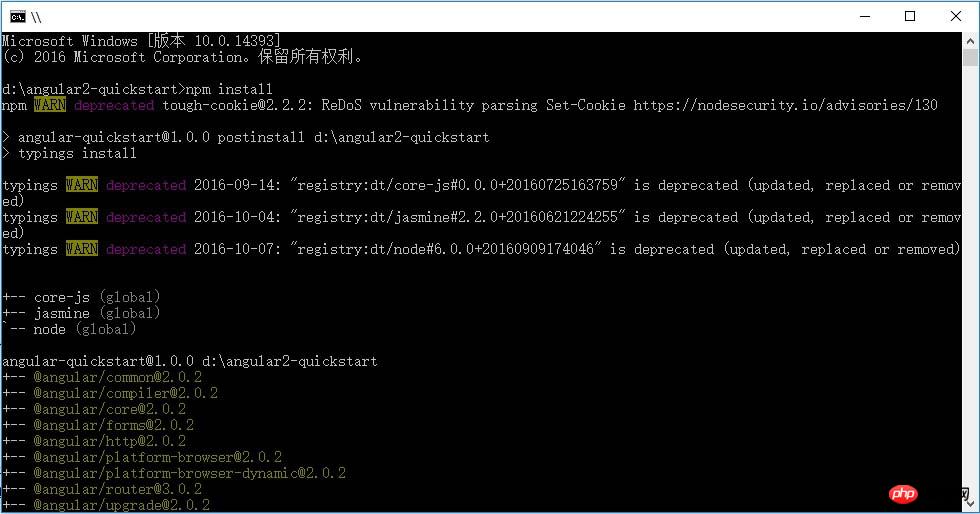
使用 npm 命令来安装 package.json 中列出的依赖包。在命令行 cmd 窗口,输入:cd angular2-quickstart,进入angular2-quickstar文件夹下,输入下列命令:
npm install
创建TypeScript应用程序
1、在VS Code中,在根文件夹(angular2-quickstart)下,创建app子文件夹。

2、在子app文件夹下,创建TypeScript文件app.module.ts:
import { NgModule } from '@angular/core';
import { BrowserModule } from '@angular/platform-browser';
import { AppComponent } from './app.component';
@NgModule({
 imports: [ BrowserModule ],
 declarations: [ AppComponent ],
 bootstrap: [ AppComponent ]
})
export class AppModule { }
3、在子app文件夹下,创建TypeScript文件app.component.ts:
import { Component } from '@angular/core';
@Component({
selector: 'my-app',
template: '我的第一个 AngularJS 2 应用程序
'
})
export class AppComponent { }4、在子app文件夹下,创建TypeScript文件main.ts:
import { platformBrowserDynamic } from '@angular/platform-browser-dynamic';
import { AppModule } from './app.module';
const platform = platformBrowserDynamic();
platform.bootstrapModule(AppModule);
5、在根文件夹(angular2-quickstart)下,创建html文件index.html:
Angular QuickStart Loading...
6、在根文件夹(angular2-quickstart)下,创建css文件styles.css:
/* Master Styles */
h1 {
 color: #369;
 font-family: Arial, Helvetica, sans-serif;
 font-size: 250%;
}
h2,
h3 {
 color: #444;
 font-family: Arial, Helvetica, sans-serif;
 font-weight: lighter;
}
body {
 margin: 2em;
}
配置应用程序
1、在VS Code中,在根文件夹(angular2-quickstart)下,创建.vscode子文件夹。
2、在.vscode子文件夹下,创建settings.json文件:
// 将设置放入此文件中以覆盖默认值和用户设置。
{
 "typescript.tsdk": "node_modules/typescript/lib",
 // ts 项目, 隐藏 .js 和 .js.map 文件
 "files.exclude": {
  "node_modules": true,
  "**/*.js": { "when": "$(basename).ts" },
  "**/*.js.map": true
 }
}
3、在.vscode子文件夹下,创建tasks.json文件:
{
 // See https://go.microsoft.com/fwlink/?LinkId=733558
 // for the documentation about the tasks.json format
 "version": "0.1.0",
 "command": "cmd",
 "isShellCommand": true,
 "showOutput": "always",
 "args": ["/C npm start"]
}
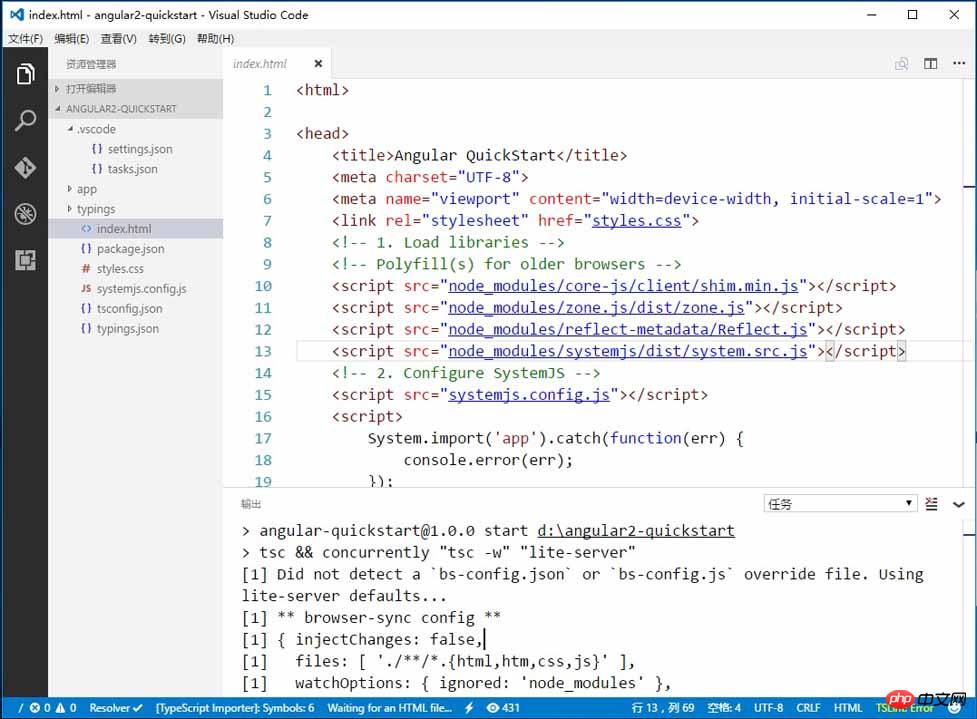
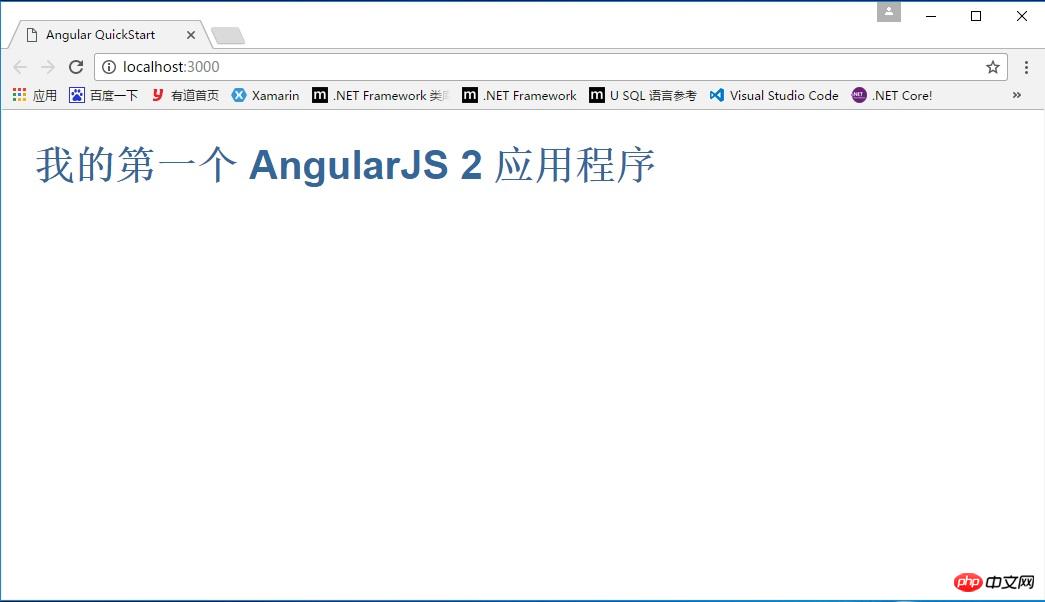
运行应用程序至此,配置完毕,按 Ctrl + Shift + B 编译,程序将会将Typescript编译成 Javascript ,同时启动一个 lite-server, 加载我们编写的index.html。 显示:我的第一个 Angular 2 应用程序
上面是我整理给大家的,希望今后会对大家有帮助。
相关文章:




