



本文实例介绍了纯javascript实现消息提示特效是一款基于notie.js插件实现的可以制作alert提示框,确认框和带输入的消息框,分享给大家供大家参考,具体内容如下
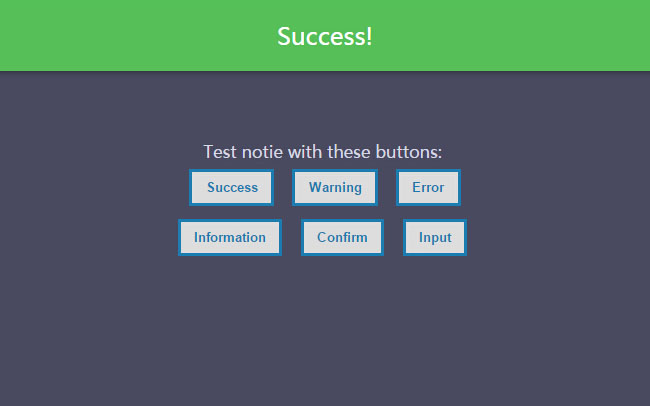
效果图:
实现的代码:
html代码:
js代码:

function success() {
      notie.alert(1, 'Success!', 2);
    }

    function warning() {
      notie.alert(2, 'Warning
with
HTML
included.', 2);
    }

    function error() {
      notie.alert(3, 'Error.', 2);
    }

    function info() {
      notie.alert(4, 'Information.', 2);
    }

    function confirm() {
      notie.confirm('Are you sure you want to do that?
That\'s a bold move...', 'Yes', 'Cancel', function () {
        notie.alert(1, 'Good choice!', 2);
      });
    }

    function input() {
      notie.input('Please enter your email address:', 'Submit', 'Cancel', 'email', 'name@example.com', function (value_entered) {
        notie.alert(1, 'You entered: ' + value_entered, 2);
      });
    }
希望本文所述对大家学习javascript程序设计有所帮助。





