2022-02-08:在kubernetes中安装centos容器,并确保其处于运行状态,yaml文件的配置非常关键。以下是如何编写yaml文件以确保centos容器不会进入terminated状态,而是保持在running状态。
要让CentOS容器保持运行状态,需要在容器中运行一个持续执行的命令。以下是一个示例YAML文件,展示了如何配置CentOS容器以保持运行状态:
apiVersion: apps/v1
kind: Deployment
metadata:
  labels:
    app: centos
  name: centos
  namespace: moonfdd
spec:
  replicas: 1
  selector:
    matchLabels:
      app: centos
  template:
    metadata:
      labels:
        app: centos
    spec:
      containers:
        - args:
            - while true; do sleep 30; done;
          command:
            - /bin/bash
            - '-c'
            - '--'
          image: centos:centos7.9.2009
          imagePullPolicy: IfNotPresent
          name: centos
          securityContext:
privileged: true在这个YAML文件中,args字段定义了一个无限循环的命令,该命令每30秒休眠一次,从而确保容器不会终止。command字段指定了使用/bin/bash来执行这个命令。
通过这种配置,CentOS容器将保持在running状态,而不是进入terminated状态。

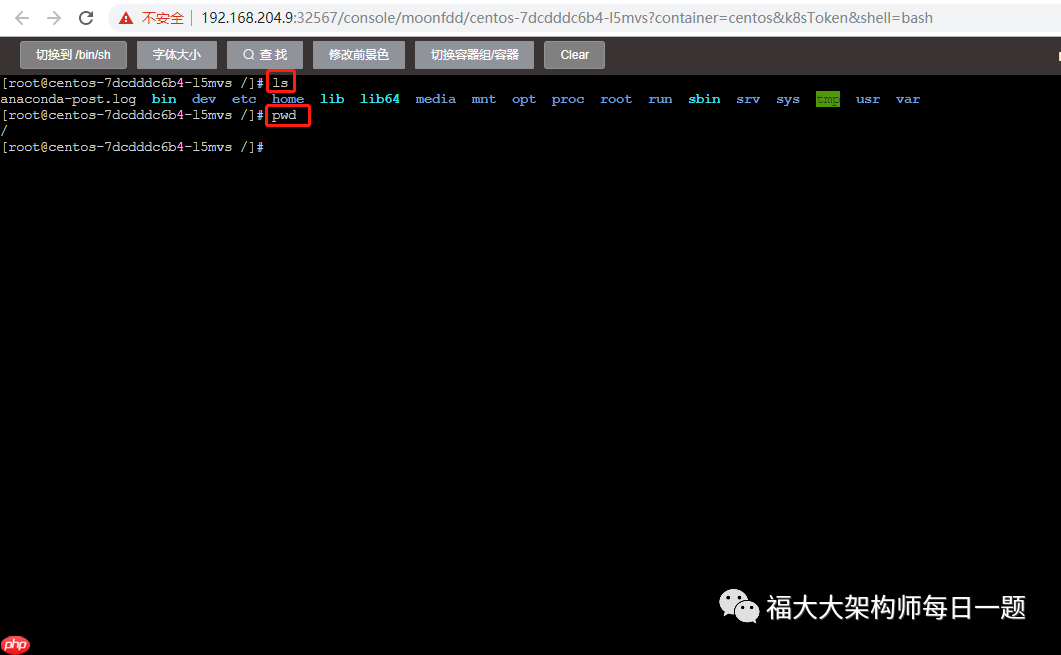
结果如下: