



如何获取 JavaScript 中的年月日:获取当前年月日:使用 Date 对象的 getFullYear(), getMonth(), getDate() 方法。获取特定日期的年月日:使用 Date 构造函数,传入时间戳或日期字符串。获取特定时间戳的年月日:使用 new Date(timestamp) 获取 Date 对象,然后使用 getFullYear(), getMonth(), getDate() 方法。获取当前时间戳的年月日:使用 Date.now() 获取当前时间戳,然后使用 ne

如何在 JavaScript 中获取年月日
获取当前年月日:
使用 Date 对象的 getFullYear(), getMonth() 和 getDate() 方法。
const now = new Date();
const year = now.getFullYear();
const month = now.getMonth() + 1; // 月份从 0 开始,因此需要加 1
const day = now.getDate();

console.log(`${year}-${month}-${day}`);
获取特定日期的年月日:
使用 Date 对象的构造函数,传入时间戳或日期字符串。
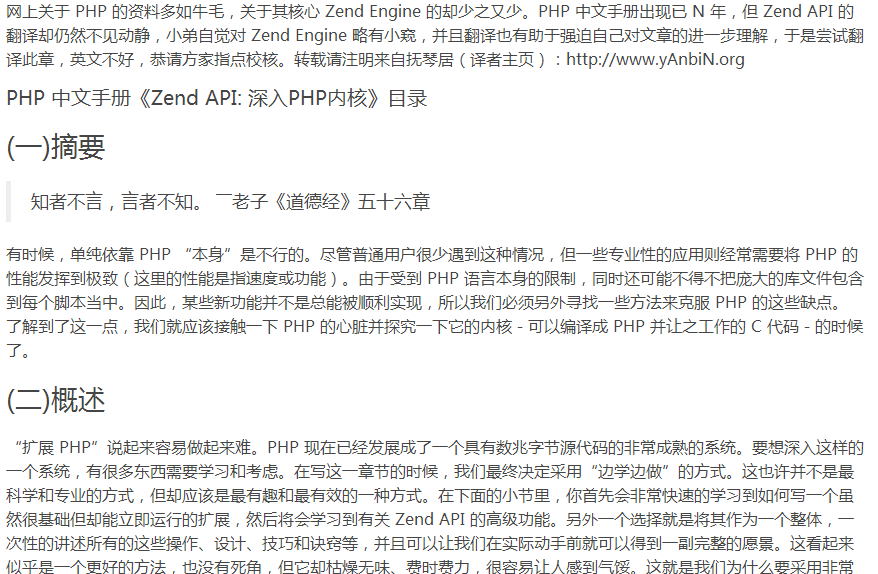
Zend_API 深入_PHP_内核
下载
”扩展PHP“说起来容易做起来难。PHP已经进化成一个日趋成熟的源码包几十兆大小的工具。要骇客如此复杂的一个系统,不得不学习和思考。构建本章内容时,我们最终选择了“在实战中学习”的方式。这不是最科学也不是最专业的方式,但是此方式最有趣,也得出了最好的最终结果。下面的部分,你将先快速的学习到,如何获得最基本的扩展,且这些扩展立即就可运行。然后你将学习到 Zend 的高级 API 功能,这种方式将不得
const timestamp = 1659878400000; // 2022 年 8 月 15 日 16:00:00
const date = new Date(timestamp);
const year = date.getFullYear();
const month = date.getMonth() + 1;
const day = date.getDate();

console.log(`${year}-${month}-${day}`);
获取特定时间戳的年月日:
使用 new Date(timestamp) 获取 Date 对象,然后使用 getFullYear(), getMonth() 和 getDate() 方法提取年月日。
const timestamp = 1659878400000;
const date = new Date(timestamp);
const year = date.getFullYear();
const month = date.getMonth() + 1;
const day = date.getDate();

console.log(`${year}-${month}-${day}`);
获取当前时间戳的年月日:
使用 Date.now() 获取当前时间戳,然后使用 new Date(timestamp) 获取 Date 对象,最后再使用 getFullYear(), getMonth() 和 getDate() 方法提取年月日。
const timestamp = Date.now();
const date = new Date(timestamp);
const year = date.getFullYear();
const month = date.getMonth() + 1;
const day = date.getDate();

console.log(`${year}-${month}-${day}`); 




