提取方法:1、spring boot项目pom文件中添加对应依赖;2、Java单类实现代码,复制到Spring boot项目中;3、运行结果即可。

java中从视频里面提取音频的方法
1、spring boot项目pom文件中添加以下依赖
			ws.schild
			jave-core
			3.1.1


			ws.schild
			jave-nativebin-win64
			3.1.1


			ws.schild
			jave-nativebin-linux64
			3.1.1
2、Java单类实现代码,复制到Spring boot项目中

 import ws.schild.jave.Encoder;
import ws.schild.jave.EncoderException;
import ws.schild.jave.MultimediaObject;
import ws.schild.jave.encode.AudioAttributes;
import ws.schild.jave.encode.EncodingAttributes;

import java.io.File;
import java.util.Arrays;

//java项目www.fhadmin.org
public class VideoToAudio {


    //要输出的音频格式
    private static String outputFormat="mp3";


    /**
     * 获得转化后的文件名
     * @param sourceFilePath : 源视频文件路径
     * @return
     */
    public static String  getNewFileName(String sourceFilePath) {
        File source = new File(sourceFilePath);
        String fileName=source.getName().substring(0, source.getName().lastIndexOf("."));
        return fileName+"."+outputFormat;
    }

    /**
     * 转化音频格式
     * @param sourceFilePath : 源视频文件路径
     * @param targetFilePath : 目标音乐文件路径
     * @return
     */
    public static void transform(String sourceFilePath, String targetFilePath) {
        File source = new File(sourceFilePath);
        File target = new File(targetFilePath);
        // 设置音频属性
        AudioAttributes audio = new AudioAttributes();
        audio.setCodec(null);
        // 设置转码属性
        EncodingAttributes attrs = new EncodingAttributes();
        attrs.setOutputFormat(outputFormat);
        attrs.setAudioAttributes(audio);
        try {
            // 音频转换格式类
            Encoder encoder = new Encoder();
            MultimediaObject mediaObject=new MultimediaObject(source);
            encoder.encode(mediaObject, target, attrs);
            System.out.println("转换已完成...");
        }  catch (EncoderException e) {
            e.printStackTrace();
        }
    }

    /**
     * 批量转化音频格式
     * @param sourceFolderPath : 源视频文件夹路径
     * @param targetFolderPath : 目标音乐文件夹路径
     * @return
     */
    public static void batchTransform(String sourceFolderPath, String targetFolderPath) {
        File sourceFolder = new File(sourceFolderPath);
        if(sourceFolder.list().length!=0){
            Arrays.asList(sourceFolder.list()).forEach(e->{
              transform(sourceFolderPath+"\\"+e, targetFolderPath+"\\"+getNewFileName(e));
            });
        }
    }


    public static void main(String[] args) {
        batchTransform("C:\\Users\\tarzan\\Desktop\\video","C:\\Users\\tarzan\\Desktop\\audio");
    }


}
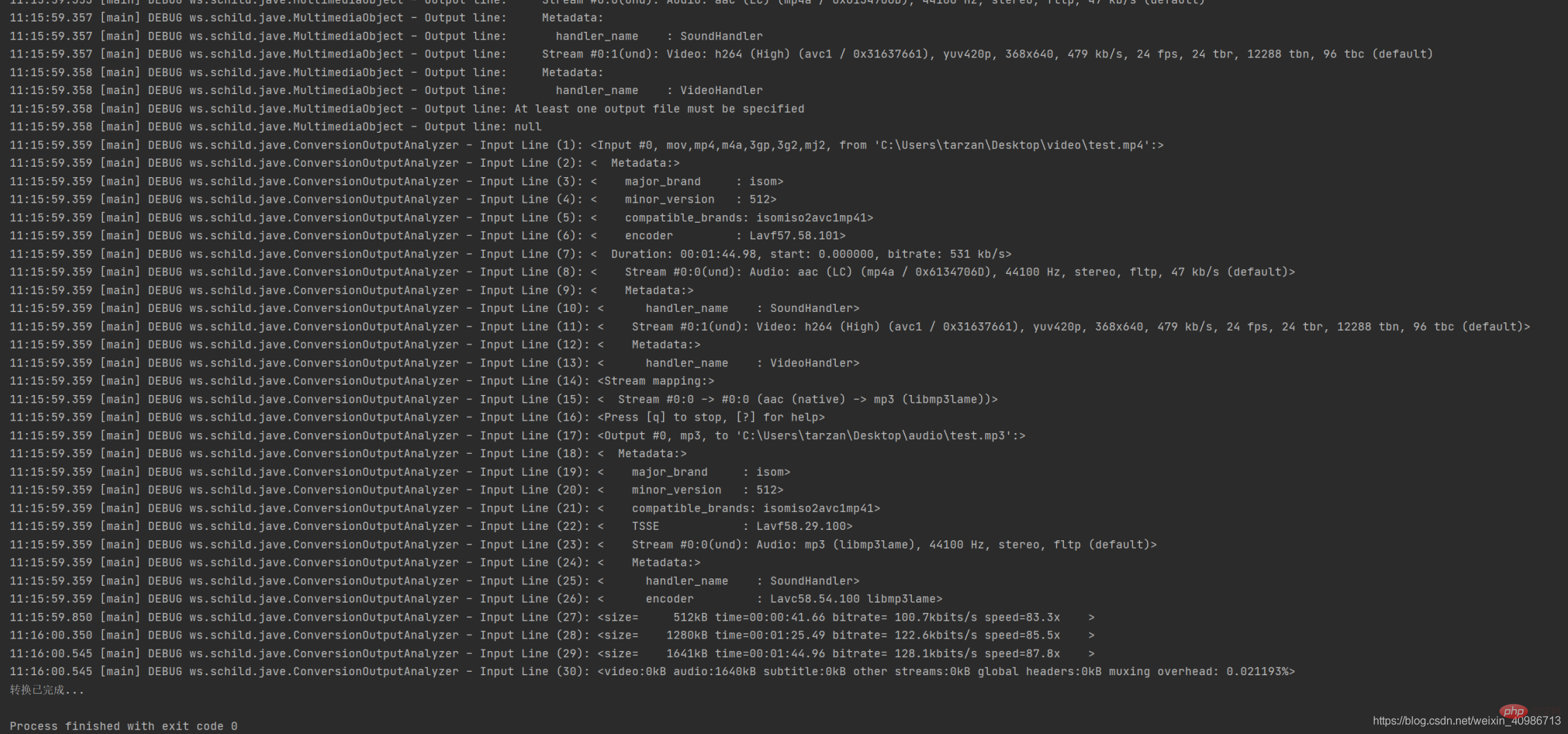
3、运行结果截图
立即学习“Java免费学习笔记(深入)”;