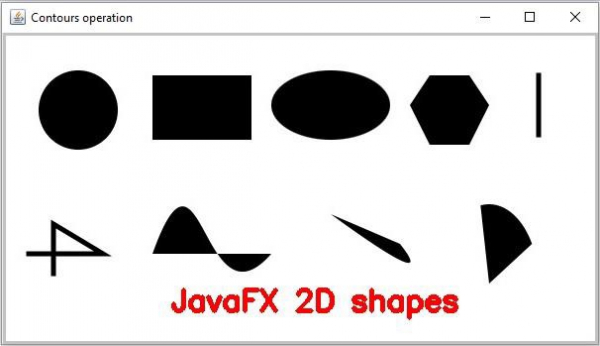
您可以使用 org.opencv.imgproc.imgproc 类 的 puttext() 方法向图像添加文本。此方法在给定图像中呈现指定文本。它接受 -
一个用于存储源图像的空垫对象。
一个要指定的字符串对象所需的文本。
指定文本位置的 Point 对象。
-
指定文本字体的整数常量.
立即学习“Java免费学习笔记(深入)”;
 情感家园企业站5.0 多语言多风格版下载
一套面向小企业用户的企业网站程序!功能简单,操作简单。实现了小企业网站的很多实用的功能,如文章新闻模块、图片展示、产品列表以及小型的下载功能,还同时增加了邮件订阅等相应模块。公告,友情链接等这些通用功能本程序也同样都集成了!同时本程序引入了模块功能,只要在系统默认模板上创建模块,可以在任何一个语言环境(或任意风格)的适当位置进行使用!
比例因子乘以特定于字体的基本尺寸。
指定颜色的标量对象text。
指定文本颜色的整数值
示例
import org.opencv.core.Core;
import org.opencv.core.Mat;
import org.opencv.core.Point;
import org.opencv.core.Scalar;
import org.opencv.highgui.HighGui;
import org.opencv.imgcodecs.Imgcodecs;
import org.opencv.imgproc.Imgproc;
public class AddingText {
   public static void main(String args[]) throws Exception {
      //Loading the OpenCV core library
      System.loadLibrary( Core.NATIVE_LIBRARY_NAME );
      //Reading the contents of the image
      String file ="D:\Images\shapes.jpg";
      Mat src = Imgcodecs.imread(file);
      //Preparing the arguments
      String text = "JavaFX 2D shapes";
      Point position = new Point(170, 280);
      Scalar color = new Scalar(0, 0, 255);
      int font = Imgproc.FONT_HERSHEY_SIMPLEX;
      int scale = 1;
      int thickness = 3;
      //Adding text to the image
      Imgproc.putText(src, text, position, font, scale, color, thickness);
      //Displaying the resultant Image
      HighGui.imshow("Contours operation", src);
      HighGui.waitKey();
   }
}
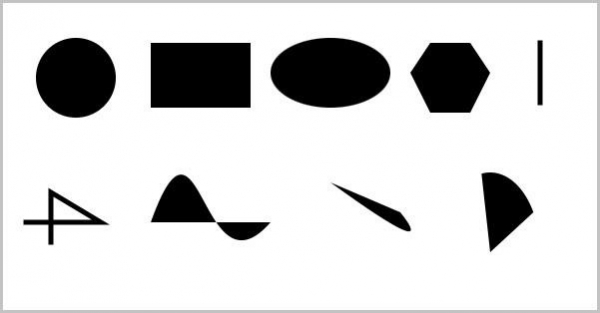
输入图片
输出