



新建springboot工程,引入web、mysql、mybatis依赖
            org.springframework.boot
            spring-boot-starter-web


            org.mybatis.spring.boot
            mybatis-spring-boot-starter
            2.2.2


            mysql
            mysql-connector-java
            runtime


            org.projectlombok
            lombok
            true


            org.springframework.boot
            spring-boot-starter-test
            test


            junit
            junit
            4.12
            test
在application.properties中配置多数据源
spring.datasource.primary.jdbc-url=jdbc:mysql://localhost:3306/ds0spring.datasource.primary.username=rootspring.datasource.primary.password=rootspring.datasource.primary.driver-class-name=com.mysql.cj.jdbc.Driverspring.datasource.secondary.jdbc-url=jdbc:mysql://localhost:3306/ds1spring.datasource.secondary.username=rootspring.datasource.secondary.password=rootspring.datasource.secondary.driver-class-name=com.mysql.cj.jdbc.Driver
多数据源配置与单个数据源配置不同点在于,spring.datasource之后多了一个数据源名称primary/secondary用来区分不同的数据源;
初始化数据源
新建一个配置类,用来加载多个数据源完成初始化。
@Configuration
public class DataSourceConfiguration {
    @Primary
    @Bean
    @ConfigurationProperties(prefix = "spring.datasource.primary")
    public DataSource primaryDataSource() {
        return DataSourceBuilder.create().build();
    }
    @Bean
    @ConfigurationProperties(prefix = "spring.datasource.secondary")
    public DataSource secondaryDataSource() {
        return DataSourceBuilder.create().build();
    }
}
通过@ConfigurationProperties就可以知道这两个数据源分别加载了spring.datasource.primary.*和spring.datasource.secondary.*的配置。若没有明确指定数据源,则使用被@Primary注解所标注的主数据源。
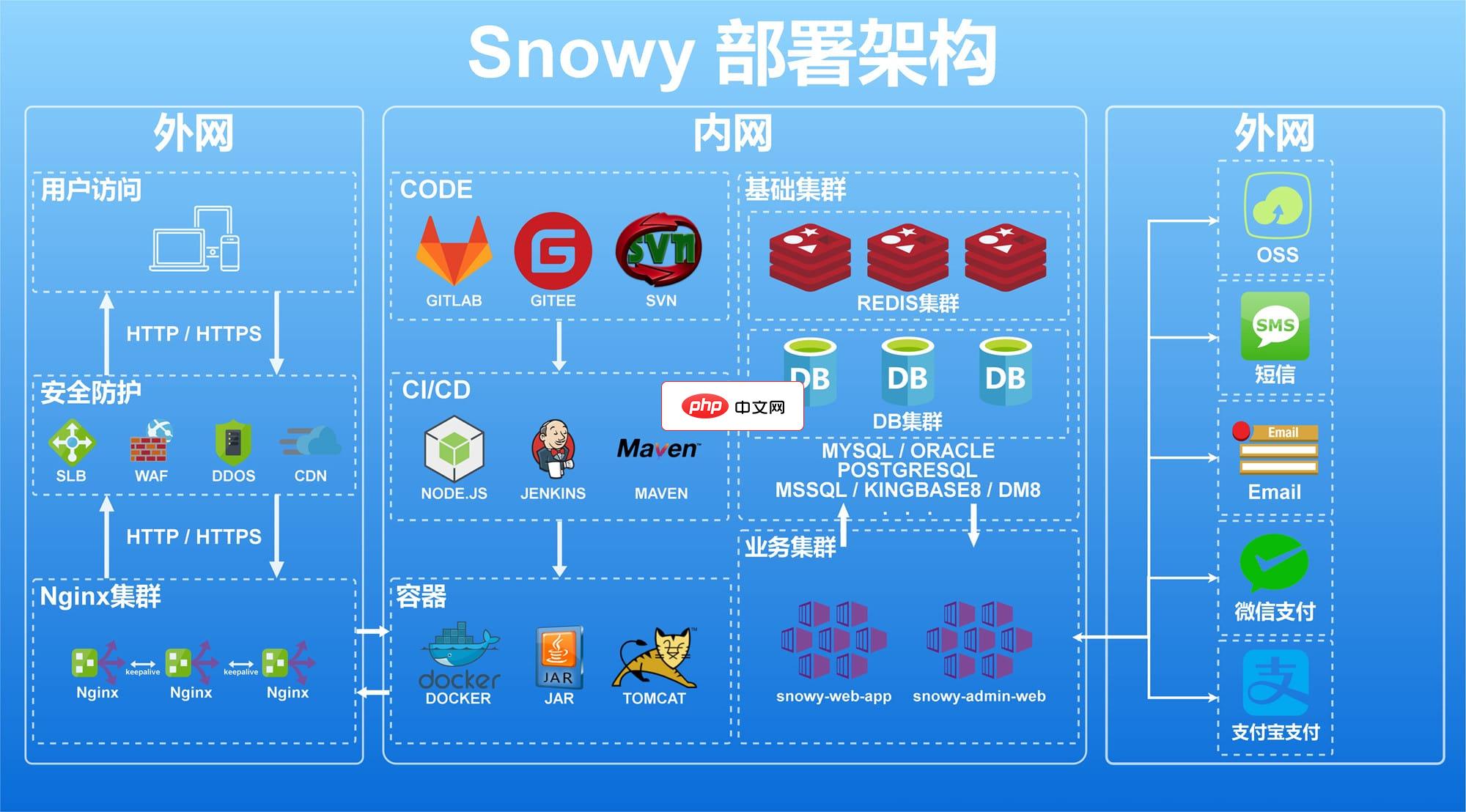
Snowy(SnowyAdmin)快速开发平台3.5.1
下载
Snowy(SnowyAdmin)是国内首个国密前后端分离快速开发平台,集成国密加解密插件, 软件层面完全符合等保测评要求,同时实现国产化机型、中间件、数据库适配,是您的不二之选! 技术框架与密码结合,让更多的人认识密码,使用密码;更是让前后分离“密”不可分。采用SpringBoot+MybatisPlus+AntDesignVue+Vite 等更多组件及前沿技术开发,注释丰富,代码简洁,开箱即用
mybatis配置
@Configuration
@MapperScan(
        basePackages = "com*.primary",
        sqlSessionFactoryRef = "sqlSessionFactoryPrimary",
        sqlSessionTemplateRef = "sqlSessionTemplatePrimary")
public class PrimaryConfig {
    private DataSource primaryDataSource;
    public PrimaryConfig(@Qualifier("primaryDataSource") DataSource primaryDataSource) {
        this.primaryDataSource = primaryDataSource;
    }
    @Bean
    public SqlSessionFactory sqlSessionFactoryPrimary() throws Exception {
        SqlSessionFactoryBean bean = new SqlSessionFactoryBean();
        bean.setDataSource(primaryDataSource);
        return bean.getObject();
    }
    @Bean
    public SqlSessionTemplate sqlSessionTemplatePrimary() throws Exception {
        return new SqlSessionTemplate(sqlSessionFactoryPrimary());
    }
}
@Configuration
@MapperScan(
basePackages = "com.*.secondary",
sqlSessionFactoryRef = "sqlSessionFactorySecondary",
sqlSessionTemplateRef = "sqlSessionTemplateSecondary")
public class SecondaryConfig {
private DataSource secondaryDataSource;
public SecondaryConfig(@Qualifier("secondaryDataSource") DataSource secondaryDataSource) {
this.secondaryDataSource = secondaryDataSource;
}
@Bean
public SqlSessionFactory sqlSessionFactorySecondary() throws Exception {
SqlSessionFactoryBean bean = new SqlSessionFactoryBean();
bean.setDataSource(secondaryDataSource);
return bean.getObject();
}
@Bean
public SqlSessionTemplate sqlSessionTemplateSecondary() throws Exception {
return new SqlSessionTemplate(sqlSessionFactorySecondary());
}
}配置类上使用@MapperScan注解来指定当前数据源下定义的实体和mapper的包路径,还注入了sqlSessionFactory和sqlSessionTemplate,通过@Qualifier注解指定了对应的数据源,其名字对应在DataSourceConfiguration配置类中的数据源定义的函数名。
各个对数据源对应路径下的实体和mapper
@Data
@NoArgsConstructor
public class UserPrimary {
    private Long id;
    private String user_name;
    private Integer age;
    public UserPrimary(String name, Integer age) {
        this.user_name = name;
        this.age = age;
    }
}
public interface UserMapperPrimary {
    @Select("SELECT * FROM USER_0 WHERE USER_NAME = #{name}")
    UserPrimary findByName(@Param("name") String name);
    @Insert("INSERT INTO USER_0 (USER_NAME, AGE) VALUES(#{name}, #{age})")
    int insert(@Param("name") String name, @Param("age") Integer age);
    @Delete("DELETE FROM USER_0")
    int deleteAll();
}
@Data
@NoArgsConstructor
public class UserSecondary {
private Long id;
private String user_name;
private Integer age;
public UserSecondary(String name, Integer age) {
this.user_name = name;
this.age = age;
}
}
public interface UserMapperSecondary {
@Select("SELECT * FROM USER_1 WHERE USER_NAME = #{name}")
UserSecondary findByName(@Param("name") String name);
@Insert("INSERT INTO USER_1 (USER_NAME, AGE) VALUES(#{name}, #{age})")
int insert(@Param("name") String name, @Param("age") Integer age);
@Delete("DELETE FROM USER_1")
int deleteAll();
}测试
	@Test
    public void test() {
        // 往Primary数据源插入一条数据
        userMapperPrimary.insert("caocao", 20);
        // 从Primary数据源查询刚才插入的数据,配置正确就可以查询到
        UserPrimary userPrimary = userMapperPrimary.findByName("caocao");
        Assert.assertEquals(20, userPrimary.getAge().intValue());
        // 从Secondary数据源查询刚才插入的数据,配置正确应该是查询不到的
        UserSecondary userSecondary = userMapperSecondary.findByName("caocao");
        Assert.assertNull(userSecondary);
        // 往Secondary数据源插入一条数据
        userMapperSecondary.insert("sunquan", 21);
        // 从Primary数据源查询刚才插入的数据,配置正确应该是查询不到的
        userPrimary = userMapperPrimary.findByName("sunquan");
        Assert.assertNull(userPrimary);
        // 从Secondary数据源查询刚才插入的数据,配置正确就可以查询到
        userSecondary = userMapperSecondary.findByName("sunquan");
        Assert.assertEquals(21, userSecondary.getAge().intValue());
} 




