
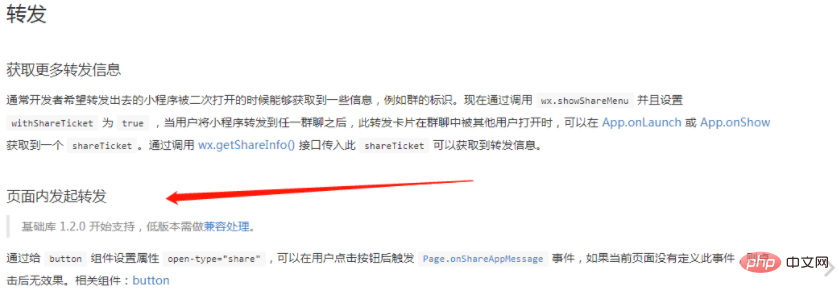
我们先来看看官方文档上的内容:
官方文档上说通过给 button 组件设置属性 open-type="share",可以在用户点击按钮后触发 Page.onShareAppMessage 事件,相关组件:button。
官网文档:https://developers.weixin.qq.com/miniprogram/dev/framework/open-ability/share.html
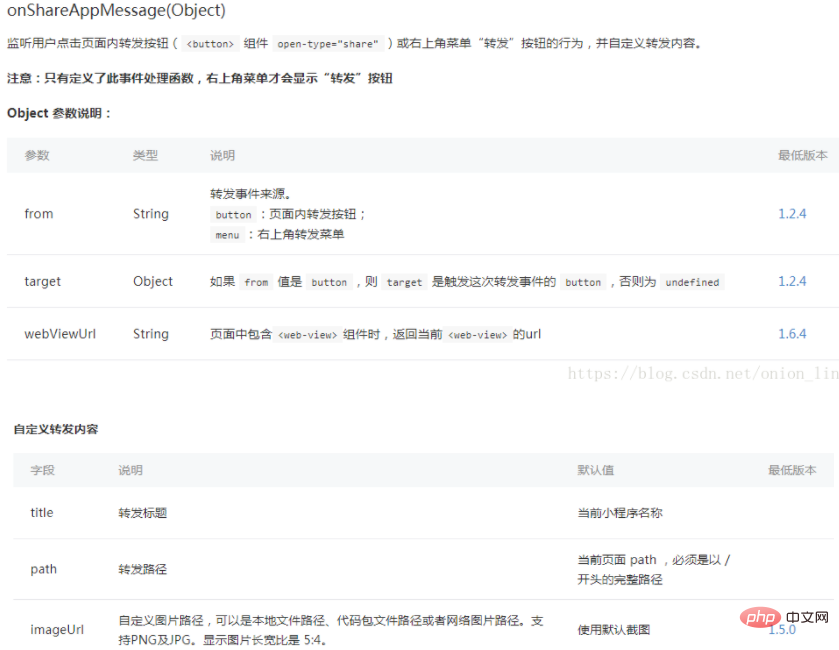
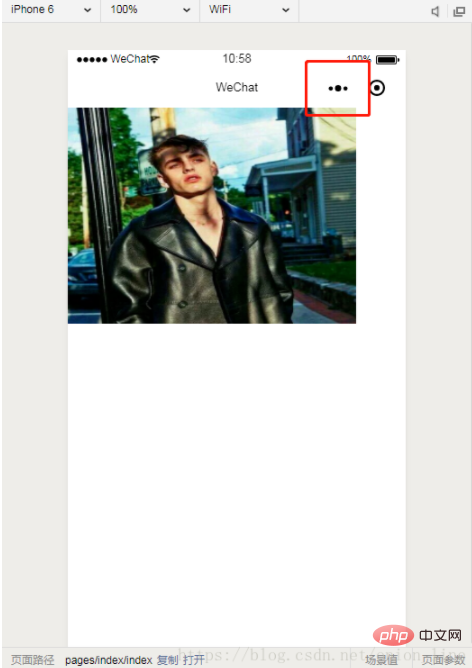
第一种情况 点击小程序转发
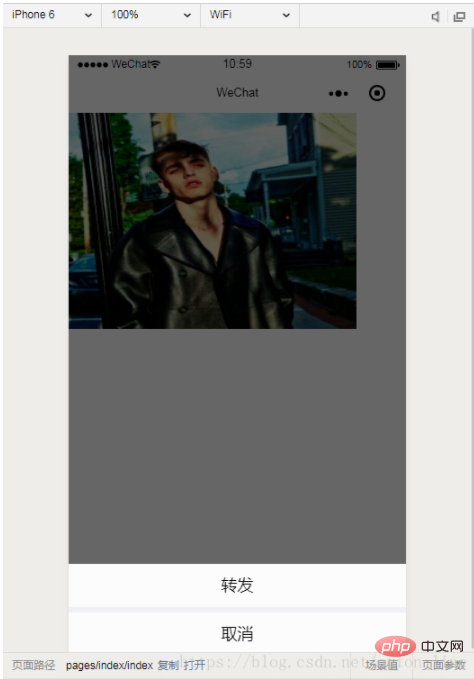
不加入参数
  //转发
  onShareAppMessage: function() {
    let users = wx.getStorageSync('user');
    if (res.from === 'button') {}
    return {
      title: '转发',
      path: '/pages/index/index',
      success: function(res) {}
    }
}加入参数

红技SHOP是一款智能化的通用型网络商城系统,取市面上众多的同类商城系统之精华,去除其它同类商品的不足之处和复杂烦琐的无用功能,用红技独有研发技术不断地加以提炼,使系统体积小而功能全面所有功能都能发辉作用。红技SHOP无论在系统稳定性、代码优化、运行效率、负荷能力、安全性能、功能可操控性和程序可维护性等方面都居国内外同类网上购系统商品的领先者。红技SHOP是专业的网络商城的WEB软件开发单位,因为
 0
0

  //转发
  onShareAppMessage: function() {
    let users = wx.getStorageSync('user');
   if (res.from === 'button') {}
    return {
      title: '转发',
      path: '/pages/index/index?from_uid=' + users.id,
      success: function(res) {}
    }
}第二种:分享

这个分享必须做成button 且加上 open-type="share"
不加入参数
  onShareAppMessage: function (res) {
    if (res.from === 'button') {
    }
    return {
      title: '转发',
      path: '/pages/index/community/topic/topic',
      success: function (res) {
        console.log('成功', res)
      }
    }
}加入参数
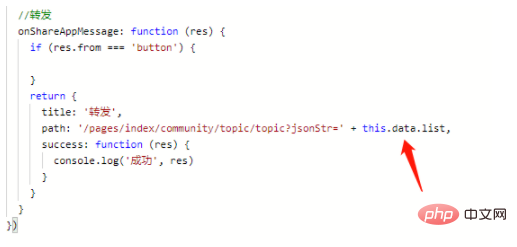
  //转发
  onShareAppMessage: function (res) {
    if (res.from === 'button') {

    }
    return {
      title: '转发',
      path: '/pages/index/community/topic/topic?jsonStr=' + this.data.list,
      success: function (res) {
        console.log('成功', res)
      }
    }
  }
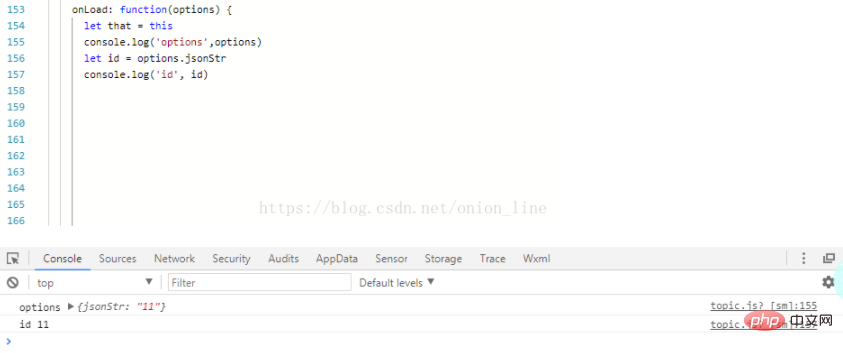
提醒:这里转发的参数要在onLoad 的options 运用
相关推荐:小程序开发教程
以上就是如何在小程序页面内进行转发操作的详细内容,更多请关注php中文网其它相关文章!

每个人都需要一台速度更快、更稳定的 PC。随着时间的推移,垃圾文件、旧注册表数据和不必要的后台进程会占用资源并降低性能。幸运的是,许多工具可以让 Windows 保持平稳运行。

 广告
广告Copyright 2014-2025 https://www.php.cn/ All Rights Reserved | php.cn | 湘ICP备2023035733号


 349
349



 收藏
收藏















