

这里以创建一个 javascript 代码片段为例:
1、首先可以打开一个javascript的文件(或在当前打开文件中)按快捷键Ctrl+Shift+P打开命令输入 snippet : (也可以点击文件=>首选项=>用户代码片段)

2、选择选项后会出现一个语言列表用以选择给哪种语言创建代码段。这里以设置javascript的Console.WriteLine代码段为例,其他语言方法是一样的。
选择javascript后会自动打开一个JSON格式的配置文件
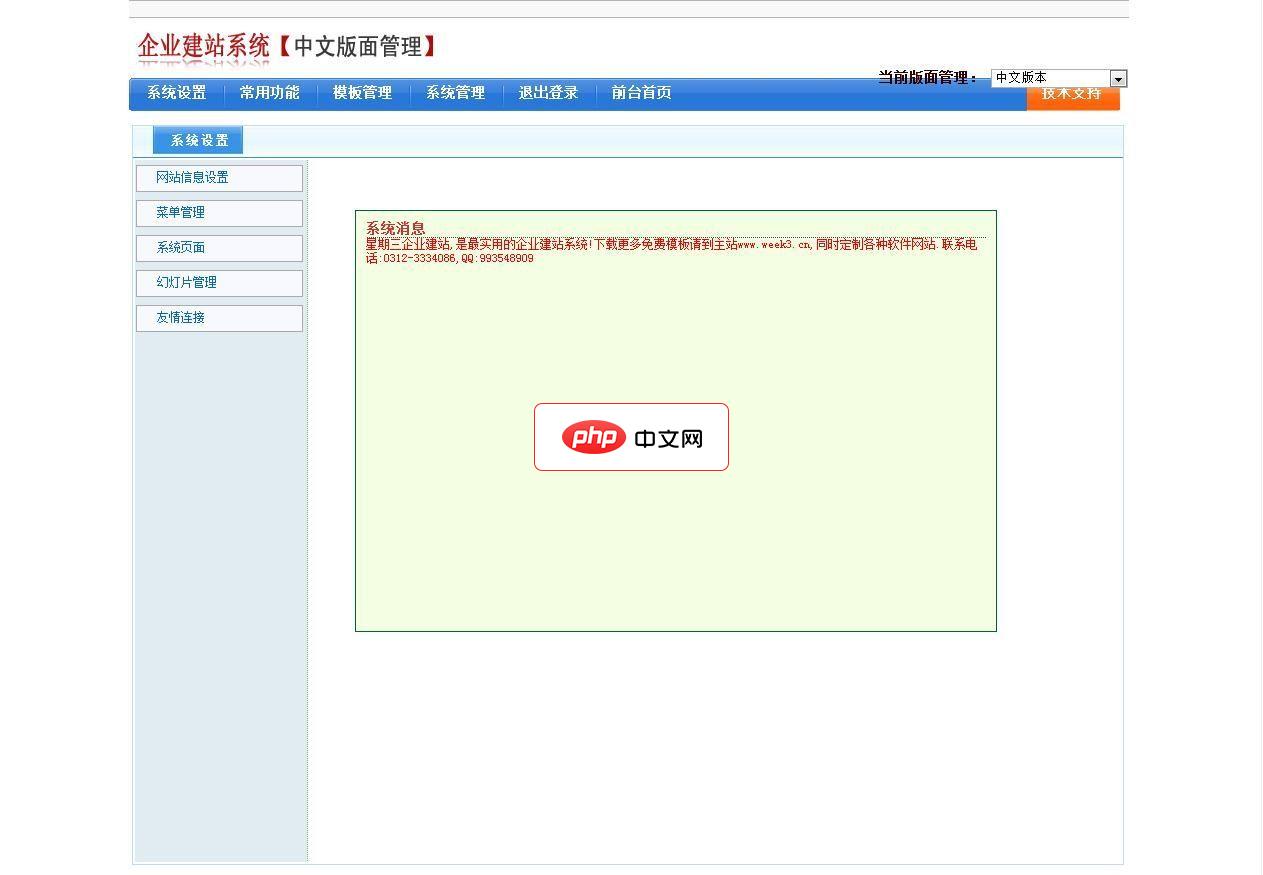
主要特点为模板驱动,前台页面和数据库数据在模板中以标签方式调用和显示。星期三企业建站系统产品全部代码都为星期三网络原创,有着完全的知识产权。我们会已我们的努力使星期三企业建站系统变的更好!系统功能1\网站信息设置2\菜单管理3\系统页面4\幻灯片管理5\友情链接6\商品分类 7\商品管理 8\资讯分类 9\资讯管理 10\自定义页面分类 11\自定义页面 12\留言管理 13\下载管理 14\选择
 0
0

{
	// Place your snippets for javascript here. Each snippet is defined under a snippet name and has a prefix, body and
	// description. The prefix is what is used to trigger the snippet and the body will be expanded and inserted. Possible variables are:
	// $1, $2 for tab stops, $0 for the final cursor position, and ${1:label}, ${2:another} for placeholders. Placeholders with the
	// same ids are connected.
	// Example:
	// "Print to console": {
	// 	"prefix": "log",
	// 	"body": [
	// 		"console.log('$1');",
	// 		"$2"
	// 	],
	// 	"description": "Log output to console"
	// },
}根据自身需要修改内容如下:
{
	// Place your snippets for javascript here. Each snippet is defined under a snippet name and has a prefix, body and
	// description. The prefix is what is used to trigger the snippet and the body will be expanded and inserted. Possible variables are:
	// $1, $2 for tab stops, $0 for the final cursor position, and ${1:label}, ${2:another} for placeholders. Placeholders with the
	// same ids are connected.
	// Example:
	"Page Header": {
		"prefix": "ducx",
		"body": [
			"/**",
			" * $1",
			" * ",
			" * @author ducx",
			" * @created $CURRENT_YEAR/$CURRENT_MONTH/$CURRENT_DATE $CURRENT_HOUR:$CURRENT_MINUTE:$CURRENT_SECOND",
			" */",
			"$2"
		],
		"description": "page header"
	}
}保存之后,打开一个 js 文件,输入前缀 ducx 出现快捷提示窗后回车,此时已经生成了我们自定义的代码片段结构,依次按 tab 。
/**
 *
 *
 * @author ducx
 * @created 2018/08/31 17:08:37
 */
推荐教程:vscode教程
以上就是vscode怎么创建自定义代码片段的详细内容,更多请关注php中文网其它相关文章!

每个人都需要一台速度更快、更稳定的 PC。随着时间的推移,垃圾文件、旧注册表数据和不必要的后台进程会占用资源并降低性能。幸运的是,许多工具可以让 Windows 保持平稳运行。

 广告
广告
 收藏
收藏
 收藏
收藏
 收藏
收藏
Copyright 2014-2025 https://www.php.cn/ All Rights Reserved | php.cn | 湘ICP备2023035733号


 232
232
















