artTemplate是腾讯开源的前端模板框架,和mustache,handlerbars类似,在web项目中可以很方便的使用,上手快,如果用过mustache,那么几乎可以快速切换到template框架上来。
学习过程:
1、语法介绍:
数据绑定:与angularjs类似,只不过视图与模型是单向的绑定,模型改变,视图改变,反过来则不行。
//js中使用模板渲染
var data1 = {message:"hello,artTemplate is a javasript framework."};
$("node1").innerHTML = template("tpl1",data1);条件判断:这里支持单一的if,也可以加入else分支,没有else if分支。
{{if isShow}}
	(2、满足条件展示消息:{{message}}
{{else}}
	(2x、条件不满足,展示默认消息
{{/if}}-
遍历集合:
立即学习“Java免费学习笔记(深入)”;
{{each list as item index}}
	the index of message is : {{index+1}} -> {{item}}
{{/each}}
辅助函数:可以用来将后端请求的数据进行映射,比如1->正常,0->错误。在使用的时候仅需要在表达式后面通过"|func"的方式就可以,比如{{message | filterhandler}},其中filterhandler为自定义的辅助函数。
先定义一个辅助函数,这里定义的是一个简单的转换日期格式函数。
template.helper("date2str",function(date){
var today = new Date(date);
var year = today.getFullYear();
var month = today.getMonth()+1;
if(month<10)month = "0"+month;
var day = today.getDate();
if(day<10)day = "0"+day;
return year+"-"+month+"-"+day;
 });
使用辅助函数

//js代码中调用
var data4 = {datenow:new Date()};
$("node4").innerHTML = template("tpl4",data4);预编译:与使用模板不同的是,预编译需要的是一个string类型的文档片段,然后将数据交给预编译后的模板进行渲染。
var tpl5 = "5、compile example
this is a string the type is not {{type}}
"; $("node5").innerHTML = template.compile(tpl5)({type:"text/template"});
引用子模板:
2、下载template.js库,引入到html文件中。
3、这里给出一个综合的例子,将前面介绍的一些语法练习一下:
artTemplate example
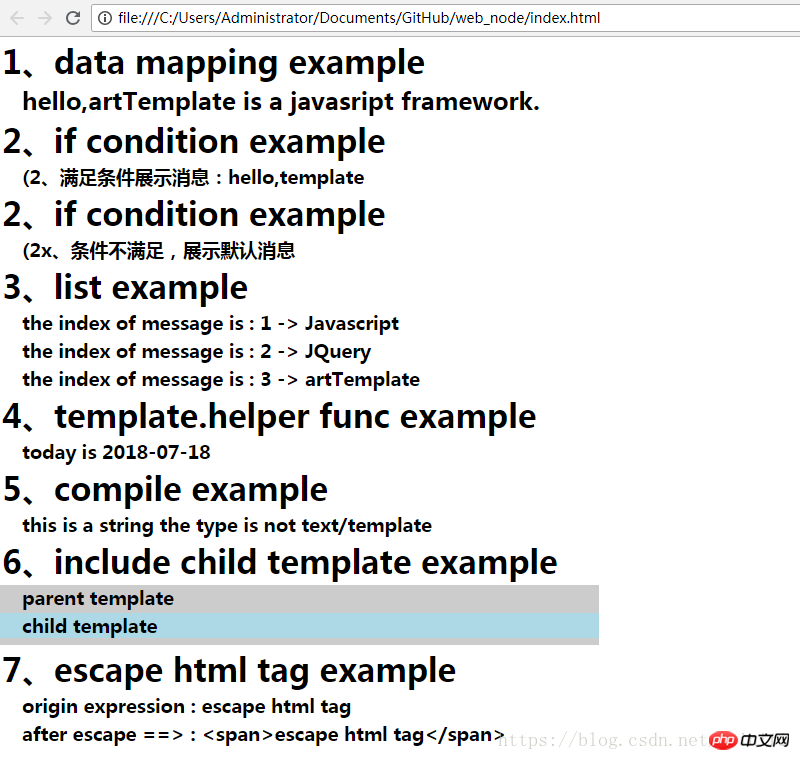
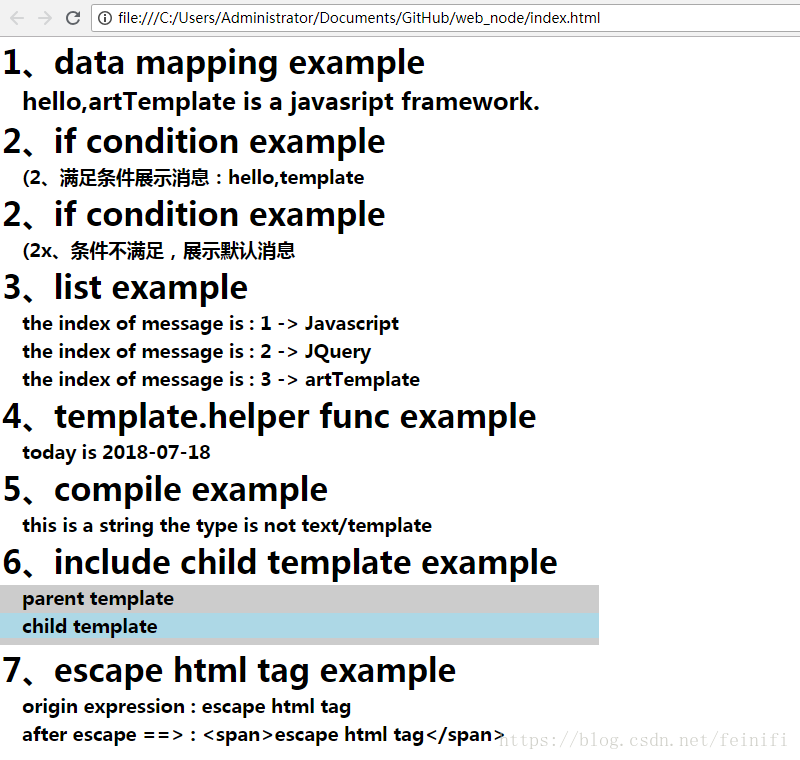
运行这个示例,可以得到如下的效果: