



这篇文章主要介绍了微信小程序 选项卡的简单实例的相关资料,需要的朋友可以参考下
微信小程序 选项卡的简单实例
看下效果
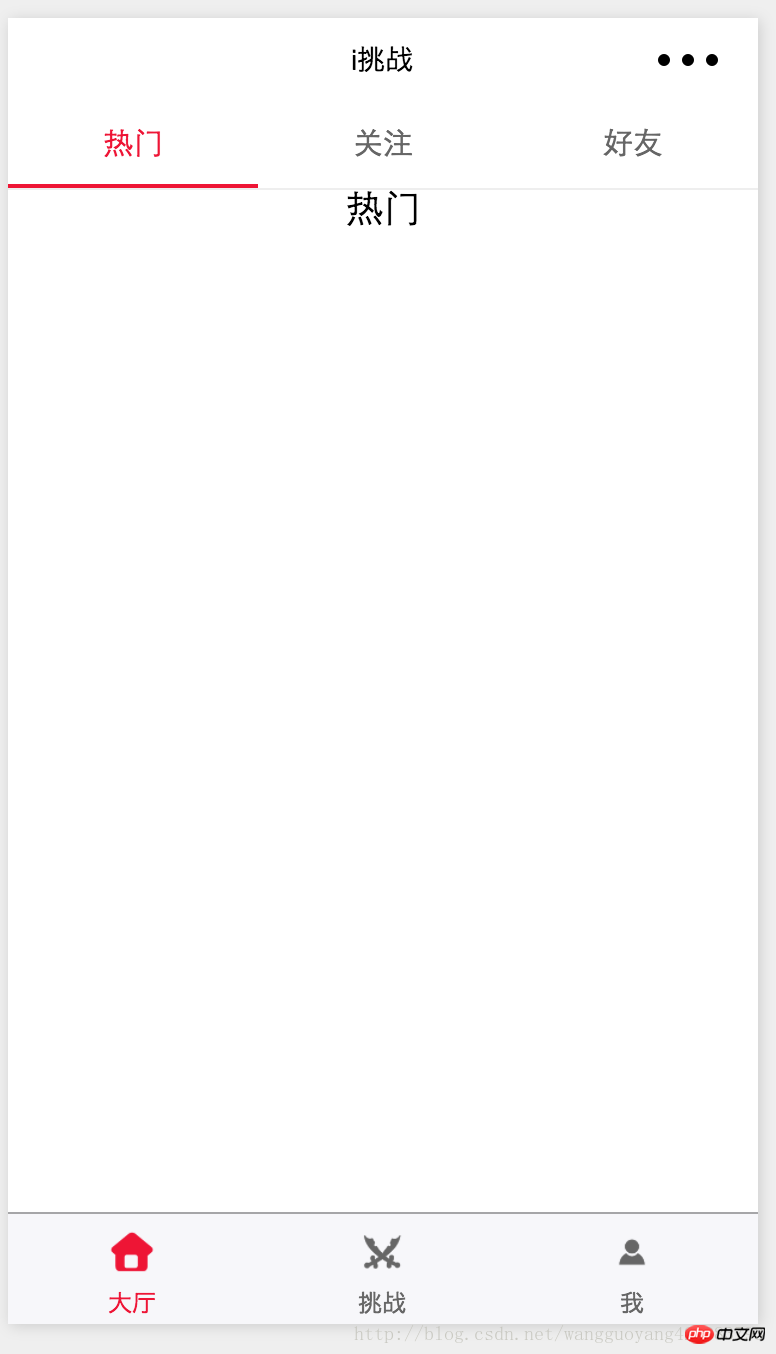
代码:
home.wxml
  热门
  关注
  好友


   热门


   关注


   好友

UQ云商B2B2C系统
下载
UQCMS云商是一款B2B2C电子商务软件 ,非常适合初创的创业者,个人及中小型企业。程序采用PHP+MYSQL,模板采用smarty模板,二次开发,简单方便,无需学习其他框架就可以自行模板设计。永久免费使用,操作简单,安全稳定。支持PC+WAP+微信三种浏览方式,支持微信公众号。
home.wxss
/* pages/home/home.wxss */
.swiper-tab{
  width: 100%;
  border-bottom: 2rpx solid #eeeeee;
  text-align: center;
  line-height: 80rpx;}
.swiper-tab-item{ font-size: 30rpx;
  display: inline-block;
  width: 33.33%;
  color: #666666;
}
.on{ color: #f10b2e;
  border-bottom: 5rpx solid #f10b2e;}

.swiper-box{ display: block; height: 100%; width: 100%; overflow: hidden; }
.swiper-box view{
  text-align: center;
}
home.js
// pages/home/home.js
var app = getApp()
Page({
 data: {

  winWidth: 0,
  winHeight: 0,
  // tab切换
  currentTab: 0,
 },
 onLoad: function () {
  var that = this;


  wx.getSystemInfo({

   success: function (res) {
    that.setData({
     winWidth: res.windowWidth,
     winHeight: res.windowHeight
    });
   }

  });
 },


 bindChange: function (e) {

  var that = this;
  that.setData({ currentTab: e.detail.current });

 },

 swichNav: function (e) {

  var that = this;

  if (this.data.currentTab === e.target.dataset.current) {
   return false;
  } else {
   that.setData({
    currentTab: e.target.dataset.current
   })
  }
 }
})
以上就是本文的全部内容,希望对大家的学习有所帮助,更多相关内容请关注PHP中文网!
相关推荐:





