



这篇文章主要介绍了微信小程序swiper组件用法,结合实例形式分析了微信小程序中swiper组件的功能、使用方法,并附带完整源码供读者下载参考,需要的朋友可以参考下
本文实例讲述了微信小程序swiper组件用法。分享给大家供大家参考,具体如下:
关于视图容器swiper的详细内容可参考官方文档
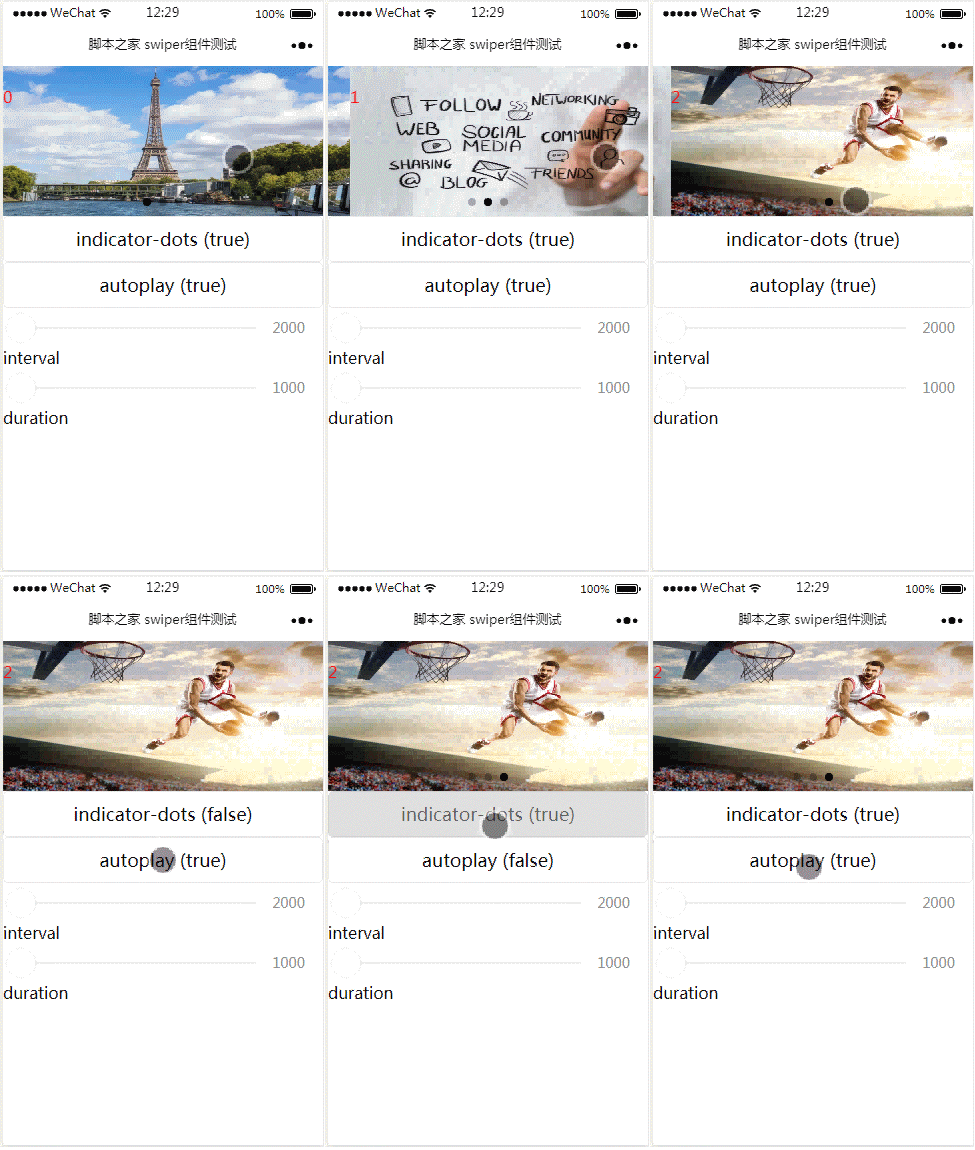
先来看看运行效果:
index.js:
Page({
 data: {
  imgUrls: ['http://img02.tooopen.com/images/20150928/tooopen_sy_143912755726.jpg',
'http://img06.tooopen.com/images/20160818/tooopen_sy_175866434296.jpg',
'http://img06.tooopen.com/images/20160818/tooopen_sy_175833047715.jpg'
  ],
  indicatorDots: false,
  autoplay: false,
  interval: 5000,
  duration: 1000
 },
 changeIndicatorDots: function (e) {
  this.setData({
   indicatorDots: !this.data.indicatorDots
  })
 },
 changeAutoplay: function (e) {
  this.setData({
   autoplay: !this.data.autoplay
  })
 },
 intervalChange: function (e) {
  this.setData({
   interval: e.detail.value
  })
 },
 durationChange: function (e) {
  this.setData({
   duration: e.detail.value
  })
 }
})
index.wxml:
{{index}} interval duration
index.wxss:

WeWedding婚纱影楼小程序
下载
婚纱影楼小程序提供了一个连接用户与影楼的平台,相当于影楼在微信的官网。它能帮助影楼展示拍摄实力,记录访客数据,宣传优惠活动。使用频率高,方便传播,是影楼在微信端宣传营销的得力助手。功能特点:样片页是影楼展示优秀摄影样片提供给用户欣赏并且吸引客户的。套系页是影楼根据市场需求推出的不同套餐,用户可以按照自己的喜好预定套系。个人中心可以查看用户预约的拍摄计划,也可以获取到影楼的联系方式。
.slide-image{
  display: inline;
}
.textindex{
  position: absolute;
  top :20px;
  color: red;
}
上面是我整理给大家的,希望今后会对大家有帮助。
相关文章:





