



通常我们在.net开发过程中,会接触二种类型的配置文件:config文件,xml文件,下面这篇文章主要给大家介绍了关于asp.net中config文件读写的相关资料,文中通过示例代码介绍的非常详细,需要的朋友可以参考借鉴,下面来一起看看吧。
本文主要给大家介绍了关于ASP.NET中Config读写示例的相关内容,分享出来供大家参考学习,话不多说,来一起看看详细的介绍吧。
方法如下:
如果是WinForm程序,需要添加引用:
System.ServiceModel
System.Configuration
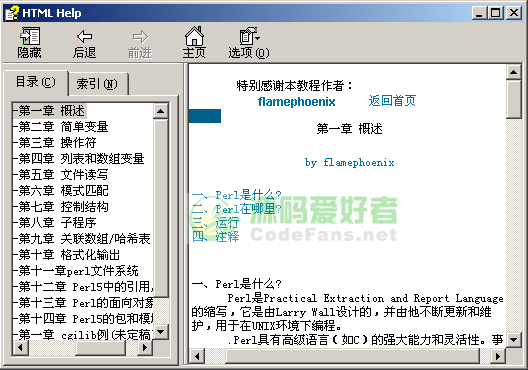 Perl 基础教程 chm下载
Perl 基础入门中文教程,chm格式,讲述PERL概述、简单变量、操作符、列表和数组变量、文件读写、模式匹配、控制结构、子程序、关联数组/哈希表、格式化输出、文件系统、引用、面向对象、包和模块等知识点。适合初学者阅读和了解Perl脚本语言。
App.config
NetUtilityLib
using System.Configuration;
namespace pcauto
{
public static class ConfigHelper
{
///
///返回*.exe.config文件中appSettings配置节的value项
///
///
///
///在*.exe.config文件中appSettings配置节增加一对键值对
///
///
///
public static void UpdateAppConfig(string newKey, string newValue) {
string file = System.Windows.Forms.Application.ExecutablePath;
Configuration config = ConfigurationManager.OpenExeConfiguration(file);
bool exist = false;
foreach (string key in config.AppSettings.Settings.AllKeys) {
if (key == newKey) { exist = true; }
}
if (exist) { config.AppSettings.Settings.Remove(newKey); }
config.AppSettings.Settings.Add(newKey, newValue);
config.Save(ConfigurationSaveMode.Modified);
ConfigurationManager.RefreshSection("appSettings");
}
}
}读示例
ConfigHelper.GetAppConfig("testkey")写示例
ConfigHelper.UpdateAppConfig("testkey", "abc"); 




