


在这篇文章中,我们将逐步构建一个 react native 应用程序,该应用程序使用 hugging face 强大的 ai 模型根据提示和年龄范围生成儿童故事。该应用程序允许用户输入提示,选择年龄范围,然后查看自定义故事以及总结故事的卡通图像。
特征
- 交互式故事生成:用户输入指导人工智能创建引人入胜的儿童故事。
- 摘要和可视化:故事被摘要并与人工智能生成的图像一起显示。
- 平滑的 ui 动画:动画使 ui 适应键盘输入。
- 导航和样式:使用 expo router 轻松导航并自定义样式,打造有吸引力的 ui。
让我们分解每个部分!
第 1 步:设置 react native 和 hugging face api
首先使用 expo 创建一个新的 react native 项目:
npx create-expo-app@latest kidsstoryapp
cd kidsstoryapp
在您的应用中设置 expo router 以便于导航,并安装您可能需要的任何其他依赖项,例如图标或动画。
第 2 步:创建故事生成器主屏幕
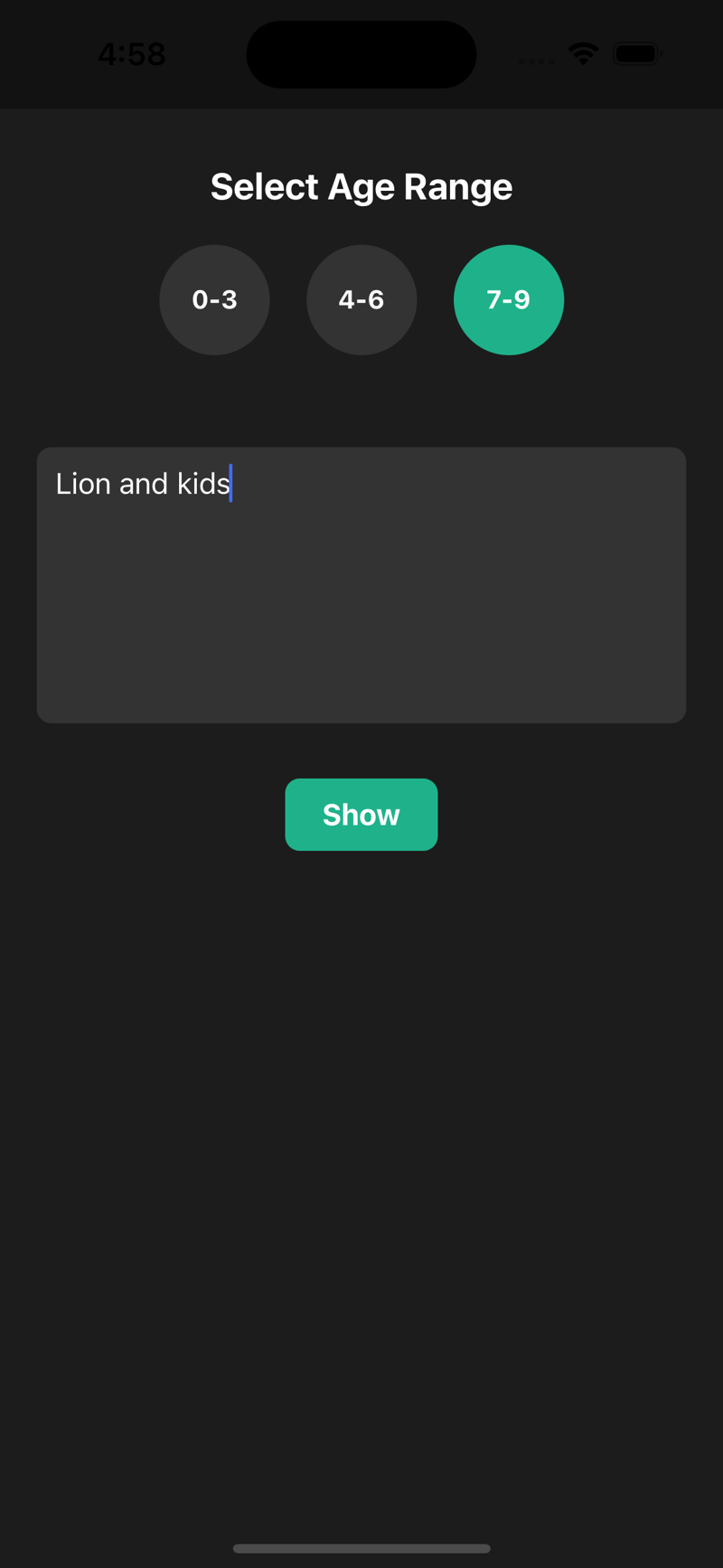
在 home.js 文件中,我们设置了一个屏幕,用户可以在其中选择年龄范围、输入故事提示,然后按按钮生成故事。

home.js代码
import react, { useeffect, useref, usestate } from "react";
import {
view,
text,
touchableopacity,
stylesheet,
textinput,
animated,
activityindicator,
} from "react-native";
import usekeyboardoffsetheight from "../hooks/usekeyboardoffsetheight";
import { hugging_face_key } from "../env";
import { userouter } from "expo-router";
const home = () => {
const ageranges = ["0-3", "4-6", "7-9"];
const [selectedagerange, setselectedagerange] = usestate("0-3");
const [textinput, settextinput] = usestate("");
const [isloading, setisloading] = usestate(false);
const keyboardoffsetheight = usekeyboardoffsetheight();
const animatedvalue = useref(new animated.value(0)).current;
const router = userouter();
useeffect(() => {
animated.timing(animatedvalue, {
tovalue: keyboardoffsetheight ? -keyboardoffsetheight * 0.5 : 0,
duration: 500,
usenativedriver: true,
}).start();
}, [keyboardoffsetheight]);
const handleagerangeselect = (range) => setselectedagerange(range);
const handleshowresult = () => {
if (textinput.length > 5) {
fetchstory();
} else {
alert("please enter a bit more detail.");
}
};
async function fetchstory() {
setisloading(true);
try {
let message = `write a simple story for kids about ${textinput} ${
selectedagerange ? "for age group " + selectedagerange : ""
}, in plain words. only provide the story content without any headings, titles, or extra information.`;
const response = await fetch(
"https://api-inference.huggingface.co/models/meta-llama/llama-3.2-3b-instruct/v1/chat/completions",
{
method: "post",
headers: {
authorization: `bearer ${hugging_face_key}`,
"content-type": "application/json",
},
body: json.stringify({
model: "meta-llama/llama-3.2-3b-instruct",
messages: [{ role: "user", content: message }],
max_tokens: 500,
}),
}
);
if (!response.ok) throw new error("failed to fetch story");
const data = await response.json();
const storycontent = data.choices[0].message.content;
// summarize the story
const summaryresponse = await fetch(
"https://api-inference.huggingface.co/models/meta-llama/llama-3.2-3b-instruct/v1/chat/completions",
{
method: "post",
headers: {
authorization: `bearer ${hugging_face_key}`,
"content-type": "application/json",
},
body: json.stringify({
model: "meta-llama/llama-3.2-3b-instruct",
messages: [
{ role: "user", content: `summarize this story in a line: "${storycontent}"` },
],
max_tokens: 30,
}),
}
);
if (!summaryresponse.ok) throw new error("failed to fetch summary");
const summarydata = await summaryresponse.json();
const summarycontent = summarydata.choices[0].message.content;
router.push({
pathname: "/detail",
params: { story: storycontent, summary: summarycontent },
});
} catch (error) {
console.error("error fetching story or summary:", error);
alert("error fetching story. please try again.");
} finally {
setisloading(false);
}
}
return (
select age range
{ageranges.map((range, index) => (
handleagerangeselect(range)}
>
{range}
))}
{isloading ? generate }
);
};
const styles = stylesheet.create({
container: { flex: 1, padding: 20, alignitems: "center", backgroundcolor: "#1c1c1c" },
header: { fontsize: 20, fontweight: "bold", color: "#fff", marginvertical: 10 },
checkboxcontainer: { flexdirection: "row", flexwrap: "wrap", justifycontent: "center", marginbottom: 20 },
checkbox: { width: 60, height: 60, borderradius: 30, backgroundcolor: "#333", alignitems: "center", justifycontent: "center", margin: 10 },
selectedcheckbox: { backgroundcolor: "#1fb28a" },
checkboxlabel: { color: "#fff", fontsize: 14, fontweight: "bold" },
textinput: { width: "100%", height: 150, backgroundcolor: "#333", color: "#fff", borderradius: 8, padding: 10, marginvertical: 20, fontsize: 16 },
showbutton: { backgroundcolor: "#1fb28a", borderradius: 8, paddingvertical: 10, paddinghorizontal: 20, margintop: 10 },
showbuttontext: { color: "#fff", fontsize: 16, fontweight: "bold" },
});
export default home;
home.js 的关键组件
- 文本输入和年龄选择器:允许用户选择年龄范围并输入故事提示。
- fetch story:fetchstory 与 hugging face api 交互,根据输入生成和总结故事。
- 导航:如果成功获取故事和摘要,应用程序将导航到详细信息屏幕以显示结果。
步骤 3:在详细信息屏幕上显示故事和图像
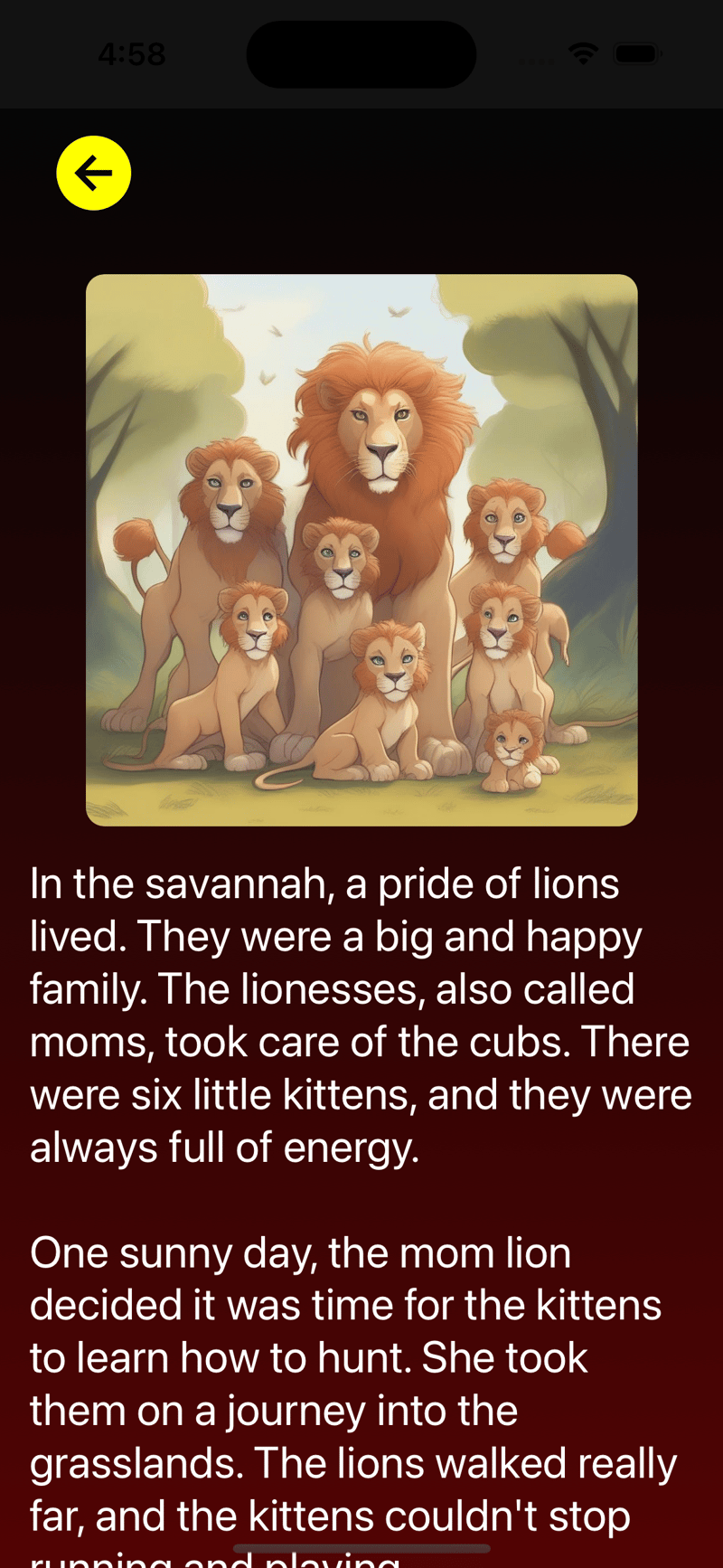
详细信息屏幕检索生成的故事,对其进行总结,并显示人工智能生成的与故事相关的卡通图像。
detail.js 代码
import React, { useEffect, useState } from "react";
import { StyleSheet, View, Text, TouchableOpacity, ActivityIndicator, Image, ScrollView } from "react-native";
import { useLocalSearchParams, useRouter } from "expo-router";
import { HUGGING_FACE_KEY } from "../env";
import Ionicons from "@expo/vector-icons/Ionicons";
const Detail = () => {
const params = useLocalSearchParams();
const { story, summary } = params;
const [imageUri, setImageUri] = useState(null);
const [loading, setLoading] = useState(false);
const router = useRouter();
useEffect(() => {
const fetchImage = async () => {
setLoading(true);
try {
const response = await fetch("https://api-inference.huggingface.co/models/stabilityai/stable-diffusion-xl-base-1.0", {
method: "POST",
headers: { Authorization: `Bearer ${HUGGING_FACE_KEY}`, "Content-Type": "application/json" },
body: JSON.stringify
({ inputs: `Cartoonish ${summary}`, target_size: { width: 300, height: 300 } }),
});
if (!response.ok) throw new Error(`Request failed: ${response.status}`);
const blob = await response.blob();
const base64Data = await blobToBase64(blob);
setImageUri(`data:image/jpeg;base64,${base64Data}`);
} catch (error) {
console.error("Error fetching image:", error);
} finally {
setLoading(false);
}
};
fetchImage();
}, []);
const blobToBase64 = (blob) => {
return new Promise((resolve, reject) => {
const reader = new FileReader();
reader.onloadend = () => resolve(reader.result.split(",")[1]);
reader.onerror = reject;
reader.readAsDataURL(blob);
});
};
return (
router.back()}>
{loading ? (
No image generated yet.
)}
{story}
);
};
export default Detail;
const styles = StyleSheet.create({
container: { flex: 1, padding: 16, backgroundColor: "#1c1c1c" },
header: { fontSize: 24, color: "#ffffff", marginVertical: 16 },
text: { color: "#ffffff" },
image: { width: 300, height: 300, marginTop: 20, borderRadius: 10, alignSelf: "center" },
});
总结
这个应用程序是将用户输入与人工智能模型相结合以创建动态讲故事体验的好方法。通过使用 react native、hugging face api 和 expo router,我们创建了一个简单但功能强大的讲故事应用程序,可以通过定制的故事和插图来娱乐孩子们。




